Conversational vs Autonomous Workflows in Azure Logic Apps
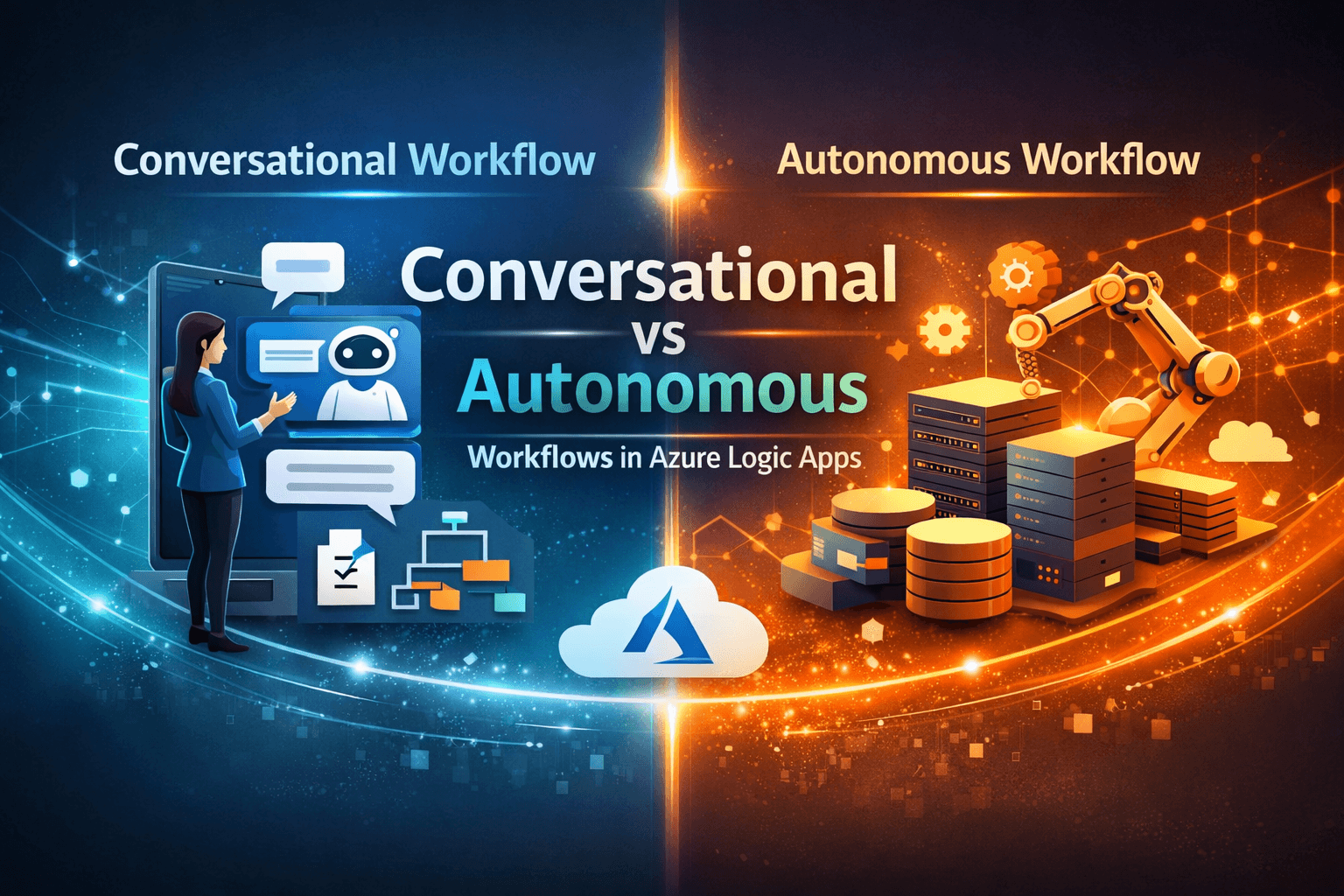
Azure Logic Apps is evolving with agentic capabilities, introducing conversational and autonomous workflows. Conversational workflows rely on human input to guide execution, while autonomous workflows operate based on triggers and AI-assisted decisions within defined boundaries. By combining model inputs with external data, these workflows become more context-aware. While promising, current implementations show some inconsistencies, as the feature is still in preview. It represents an important step toward more adaptive, AI-driven integrations.
Understanding the Shift to Agentic Workflows
Traditionally, integration workflows are predefined:
- Conditions are explicitly written
- Paths are deterministic
- Execution is predictable
With agentic workflows, this model changes slightly:
- AI assists in decision-making
- Execution paths can become dynamic
- The system can interpret intent rather than strictly follow rules
This doesn’t replace orchestration — but it introduces a layer of intelligence on top of it.
Conversational Workflows
Conversational workflows follow a human-in-the-loop model.
How it works
- A user interacts with the system (chat, prompt, or input)
- The AI interprets the intent
- The workflow proceeds based on that interpretation
Where it fits
- Approval processes
- Guided decision-making
- Scenarios requiring clarification
Key characteristic
The workflow depends on human interaction to move forward
Autonomous Workflows
Autonomous workflows operate without direct human interaction.
How it works
- Triggered by an event (HTTP call, schedule, system event)
- AI evaluates the context
- The next step is determined dynamically within defined boundaries
Where it fits
- Event-driven integrations
- Background processing
- High-scale automation scenarios
Key characteristic
The workflow is system-driven but not fully unrestricted — it operates within the workflow design.
Model Inputs vs Non-Model Inputs
One important aspect that influences agent behavior is how inputs are structured.
Model Inputs
- Passed directly to the AI model
- Used for reasoning and decision-making
Non-Model Inputs
- External data (e.g., HTTP payloads, system variables)
- Can be transformed and included in the model context
Why this matters
In real-world scenarios, you rarely rely only on user input.
You combine:
- System data
- External payloads
- User intent
This combination enables context-aware workflows, rather than purely prompt-driven ones.
Practical Observations
While experimenting with both conversational and autonomous workflows:
- Execution was generally smooth in simple scenarios
- In complex flows, there were inconsistencies in decision-making
- Occasionally, workflows did not execute as expected
These behaviors are not surprising given that:
- The feature is still in preview
- AI-driven decision-making is inherently non-deterministic
Current Limitations
Some practical limitations I observed:
- Limited predictability in complex branching
- Dependency on region availability
- Occasional execution or reasoning gaps
This means:
It’s not yet suitable for all mission-critical workflows
Where This Is Heading
Despite the limitations, the direction is clear:
- Workflows will become less rigid and more adaptive
- AI will assist in decision-making within orchestrations
- Integration platforms will move toward intent-driven execution
This is not a replacement for traditional workflows — but an evolution of them.
Conclusion
Conversational and autonomous workflows represent two different ways of thinking about automation:
- One is interactive and guided
- The other is event-driven and adaptive
Both have their place, and in many cases, they can even complement each other.
From what I’ve seen so far, Azure Logic Apps is taking a solid first step into this space. While it’s still early, it’s worth exploring — especially for scenarios where flexibility and intelligence matter.